
Scan the label
Photograph the Supplement Facts and ingredient list instead of typing every line by hand.
Point your camera at a supplement label. SuppLens organizes the ingredients and explains what deserves a closer look in plain language.
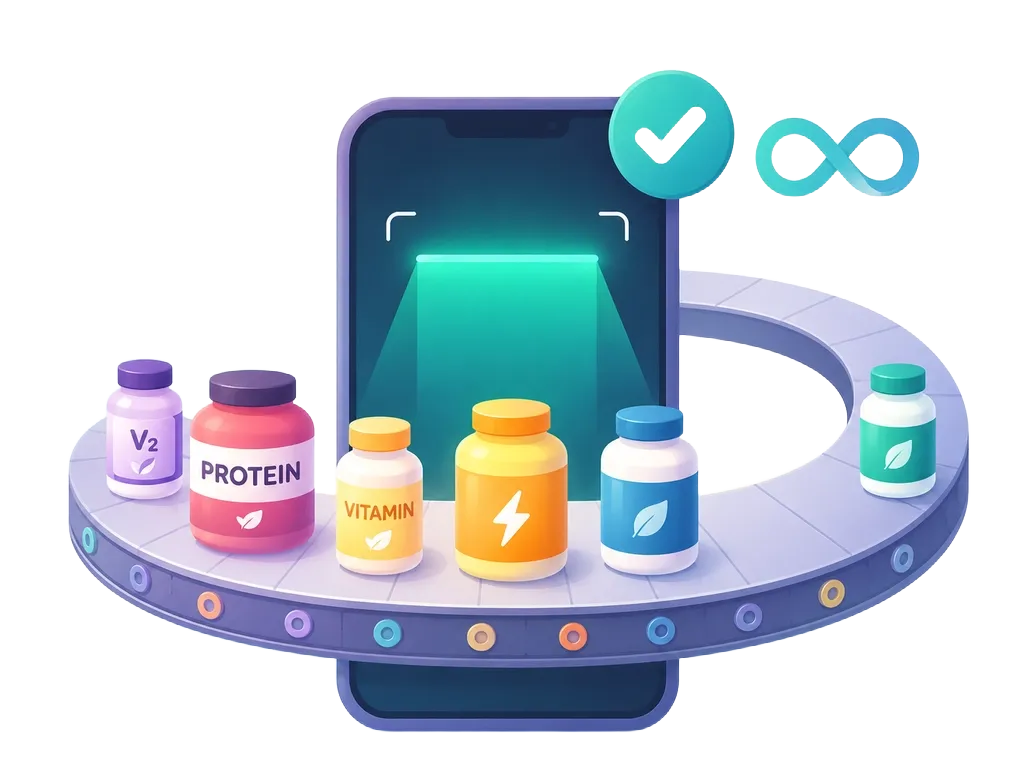
A simple flow from a dense panel of chemical names to a structured overview.
Photograph the Supplement Facts and ingredient list instead of typing every line by hand.
See ingredients, nutrient forms, additives, dietary flags, and possible areas for follow-up.
Compare products or prepare focused questions for a qualified healthcare professional.

Marketing lives on the front. The useful details—amounts, forms, serving size, and other ingredients—live elsewhere. SuppLens starts there.
Supplements can interact with medicines and health conditions. Verify important decisions with a qualified healthcare professional and the original product label.
Quick, source-backed calculations with no signup and no upload.
Convert vitamins D, A, and E between IU, micrograms, and milligrams using the factor for each vitamin and form.
Use free toolCalculate the adult protein RDA and the athlete reference range from body weight.
Use free toolSource-linked explainers for common ingredients and the parts of a supplement label that are easiest to misread.
Learn how to audit the beta-alanine dose on your pre-workout label, why manufacturers underdose it, and how to reach the clinical 3.2g to 6.4g daily threshold safely.
Read articleLearn how to read Supplement Facts on creatine labels. Compare pure creatine monohydrate against carbohydrate 'cell volumizers' to avoid paying for hidden sugars.
Read articleA Nature Food analysis of 145,609 new U.S. food and drink products found that nutrition claims do not always reflect the whole product's nutrient profile.
Read articleCompare three real vitamin D labels: a softgel, gummies, and drops. Work out IU, mcg, and mg per serving and per unit without confusing the two.
Read articleCompare five supplement scanner apps by label analysis, evidence reviews, product databases, tracking, and AI guidance.
Read articleCompare Supplement Facts and Nutrition Facts labels, including serving sizes, Daily Value, ingredient forms, botanicals, and other ingredients.
Read articleUse these ten practical tips to read vitamin and supplement labels, compare serving sizes, doses, forms, Daily Value, blends, claims, and other ingredients.
Read articleA practical guide to serving size, amounts, Daily Value, ingredient forms, proprietary blends, and other ingredients on supplement labels.
Read articleSeven label patterns that deserve verification, from hidden serving sizes and proprietary blends to disease claims and missing context.
Read articleUse SuppLens to turn dense ingredient lists into a structured, plain-language overview.